Why your mobile conversion rate is lower, and what to check
Your mobile visitors are not worse customers. They are working through the same page with a smaller screen, a slower connection, a keyboard that covers half the view and a thumb instead of a mouse. Here is how to find which of those is costing you the sale.
Short answer: a lower mobile conversion rate is usually not a design problem, it is a step problem. Mobile visitors hit the same funnel with less margin: slower loading on a phone connection, targets sized for a mouse, and forms where the keyboard hides the next field. Measure the funnel step by step before you redesign anything.
Why does mobile convert worse? Four causes that cover most sites
In my experience, the mobile gap is almost never "mobile visitors behave differently". It is one of four things, and they are not equally common. The table orders them the way I find them on small and mid-sized sites.
| Cause | How it shows up in your numbers | The check that confirms it |
|---|---|---|
| Loading time on a phone connection | Mobile exits concentrated on the entry page, mobile revenue per session below desktop even when the pages are identical | Load the page on a real phone on a slow connection and watch what appears in the first seconds |
| Targets and layout sized for a mouse | Mobile visitors scroll past the main action, tap areas that are not links, give up on a menu | Tap every control one-handed with a thumb; anything within a few pixels of another target will collect misses |
| Input cost inside forms | Visitors reach the form and never submit, and one field is abandoned far more on mobile than on desktop | Fill your own form on a phone: keyboard type, autofill, error states, and the field hidden behind the keyboard |
| Traffic mix, not the page | The gap is the same size at every step, from landing page to confirmation, with no single step standing out | Split the funnel by source. A cheap mobile campaign sent to a page written for desktop visitors is a traffic problem |
There is a fifth line I check and rarely find, and it is worth eliminating early: the measurement itself. Sessions and users are not the same thing, a cross-device journey splits one buyer into two visitors, and a goal declared on a desktop flow can quietly undercount mobile. Before treating the gap as real, make sure both devices are counted the same way.
And not every site has this gap. Some products convert better on mobile, and plenty of service businesses get their best leads from a phone call placed from a mobile page. If mobile is not your weaker device, or if the difference between the two columns is a point or two, there may be nothing here to fix. The method below still tells you which is true.
Find the step where mobile loses, not the device
A conversion rate is an average over a whole journey. The average tells you that something is wrong; the steps tell you where. Take the same funnel on both devices and compare them one step at a time.
| Step | What mobile looks like when this step is the problem | What to open next |
|---|---|---|
| Landing page to key page (product, pricing, service) | The gap is there before the visitor has a chance to act | Real-phone speed test, first screen of the layout on a narrow viewport |
| Key page to form or cart started | People read the page and do not start anything | Click heatmap of the mobile layout, position of the main action against the thumb |
| Form or cart started to submitted | They start and stop, often on the same field | Session replays filtered to mobile, on that step only |
| Submitted to confirmed | They submit and something fails, or they never trust the confirmation | Error states on a phone, validation on field types, the payment step |
Read that table as a diagnosis, not a score. When the mobile drop sits on one step, you have a fix in front of you. When it is spread evenly across all four, the cause is upstream of the funnel: the connection, the offer, or who you are buying traffic from.
One thing to settle before you act. A step with twenty mobile sessions can move by several points without meaning anything, so look for the step where the ratio between the two columns collapses, and stay sceptical until the number holds for about two weeks. While the sample is thin, replays are the better instrument: ten sessions that stop on the same field say more than a percentage built on eleven visits. That is also how you avoid acting on a bounce you cannot explain, which is the root of most why-do-visitors-leave questions.
Five checks I run before touching a design
The order matters: the first four take an afternoon and cost nothing, while a redesign takes weeks and hides the original cause.
- Open the page on a real phone, on a slow connection. Emulation runs on your laptop's processor and your office wi-fi, which is not the environment you are designing for. Watch what appears in the first seconds, not the score a tool gives you afterwards.
- Tap everything with one thumb. Menu, close buttons, quantity selectors, form fields, anything stuck to the bottom of the screen. If two targets sit within a few pixels of each other, or if a control needs a precise tap, it will collect misses. Repeated taps that produce nothing are the signature.
- Fill your own form on a phone. Use the keyboard the fields ask for, let autofill do its part, then trigger an error on purpose and read the message on the small screen. Every field that forces a keyboard switch or a zoom is a field people skip. When one field is responsible, your data shows it as a single step, and there is a method for reading it: which field is losing your leads.
- Look for what covers the action. Sticky headers, chat widgets, a notice pinned to the bottom. On a desktop review they are small; on a phone they can sit on top of the primary button for the whole visit.
- Watch ten mobile replays at the step that loses. Filter by device and by last page, then look for a pattern rather than a story: the same field, the same missed tap, the same hesitation. A click and scroll heatmap of the mobile layout is the fastest way to see where attention actually goes first, and there are rules for not misreading it: how to read a heatmap.
What I would not do with a mobile gap
- I would not start with a redesign. It commits you to the most expensive option before you know the step, and it replaces the evidence with a new set of problems. Redesign after the diagnosis, not instead of it.
- I would not compare your mobile rate to a published benchmark. An average across thousands of sites carries its own definitions of a session and a conversion, and it cannot tell you which field to fix. It says how you look, not where you lose.
- I would not decide on one week of data. Mobile traffic is uneven: a campaign ends, a weekend shifts, a payment provider has a bad day. Hold a two-week window before you credit or blame a change.
- I would not blame the device. "Mobile converts less" is a description, not a cause. The phone is simply where the cause becomes visible, usually because everything that was comfortable on a large screen now costs the visitor an extra action.
What to set up once, then leave running
None of this needs a data team, but it does need a few things to be true in your tooling:
- A goal on each step, not only on the sale. Without a goal on "form started", you cannot tell whether mobile visitors never start or start and stop. If your goals currently count clicks, they are answering the wrong question: goals that answer a real question.
- A device split on every funnel view. Averages hide exactly the gap you are investigating.
- Session replays filtered by device, so the sample you watch matches the number you are trying to explain.
- Click and scroll heatmaps of the mobile layout, not only the desktop one. Heatmaps show clicks and scroll, nothing more, so treat them as a map of attention and reach rather than a statement of intent.
- A realtime view while you ship a fix. The first hours tell you whether you broke something, long before the weekly numbers arrive.
- One number someone owns. A weekly email report or a dashboard that somebody actually opens beats a report nobody reads.
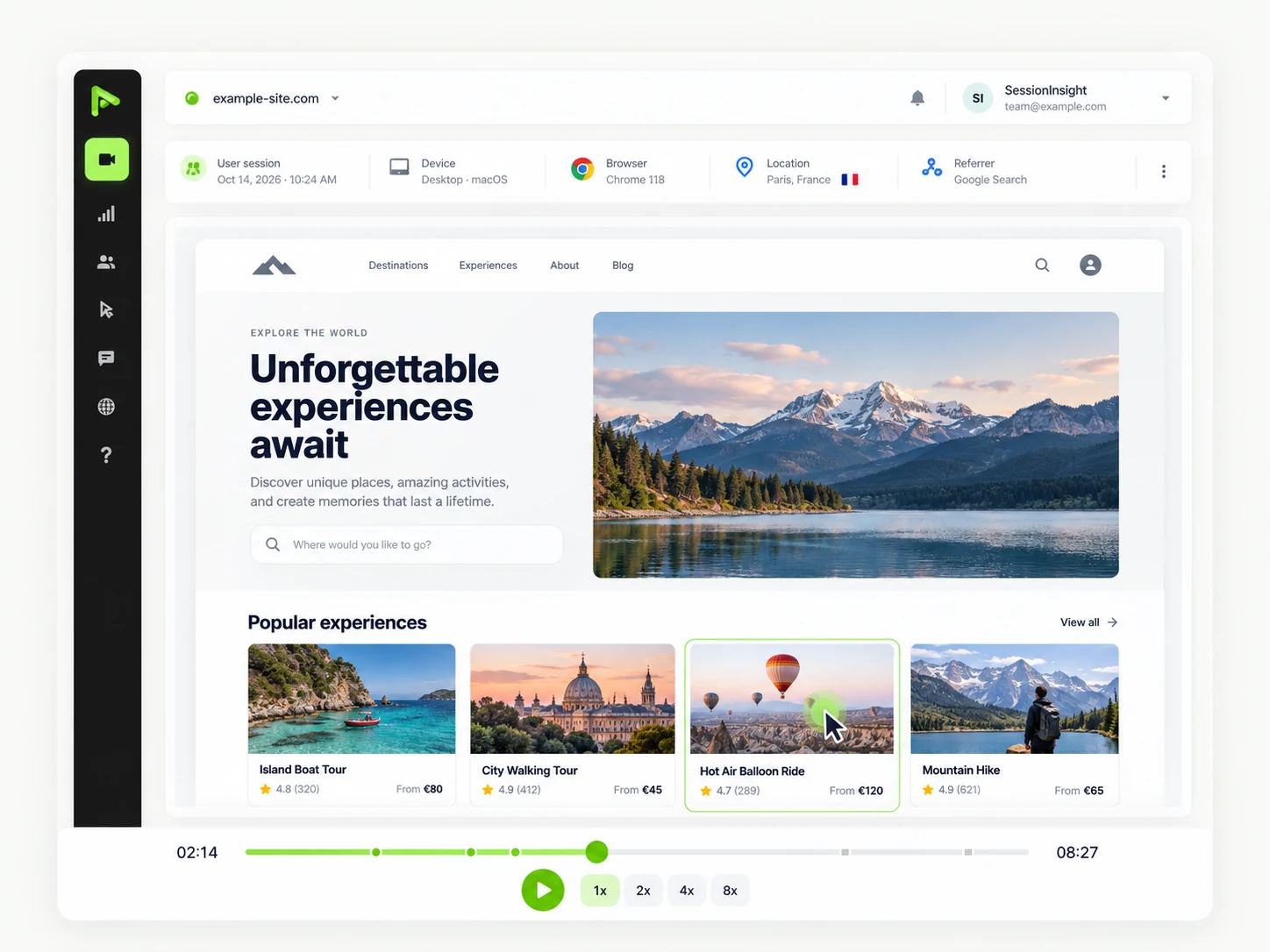
That is the workflow SessionInsight is built around, because stitching three tools to answer one question is how these checks stop happening. Analytics with device splits, session replays with the page-by-page journey of each visit, click and scroll heatmaps, and goals on the steps you care about sit in the same place, on one script. Basic analytics run without cookies if you prefer to stay clear of a banner. You can see how it works and start on the free plan: one website, 50,000 pageviews a month, ten heatmaps and ten goals, with 30 days of history.
FAQ
Why does mobile convert worse than desktop?
Mobile visitors walk through the same funnel with less margin for error: pages that load slower on a phone connection, targets sized for a mouse, and forms where the keyboard covers the next field. The gap is usually concentrated on one or two steps, so the job is to find those steps rather than to rebuild the whole site.
What is a good mobile conversion rate?
There is no useful universal number. It depends on your product, your prices and the traffic you buy. An average published across thousands of sites, with its own definition of a session and a conversion, cannot tell you which field loses your leads. Compare your mobile steps with your own desktop steps, and with your own history.
Should I build a separate mobile version of the site?
Rarely. A separate version doubles everything you have to maintain and drifts out of sync with the main site. Fix the step that loses on the responsive layout first: it is faster, and it is measurable. A separate build only makes sense with a mobile-only audience and a team to keep it alive.
How much mobile traffic do I need before the gap is real?
Enough for the step to hold steady for about two weeks. A step with twenty mobile sessions can move several points without meaning anything. When the sample is thin, watch replays instead of comparing percentages: ten sessions that stop on the same field are far more convincing than a rate built on eleven visits.
My mobile visitors come from cheaper campaigns. Is the gap still a page problem?
Maybe not. Split the funnel by traffic source before you blame the page. If the gap disappears inside a single source, the difference is who you bought, not how the page works. If it survives inside every source, the page is the common factor and the diagnosis can proceed.